[Deep Agents] 1. Create Deep Agent
2026. 4. 7. 16:42
반응형
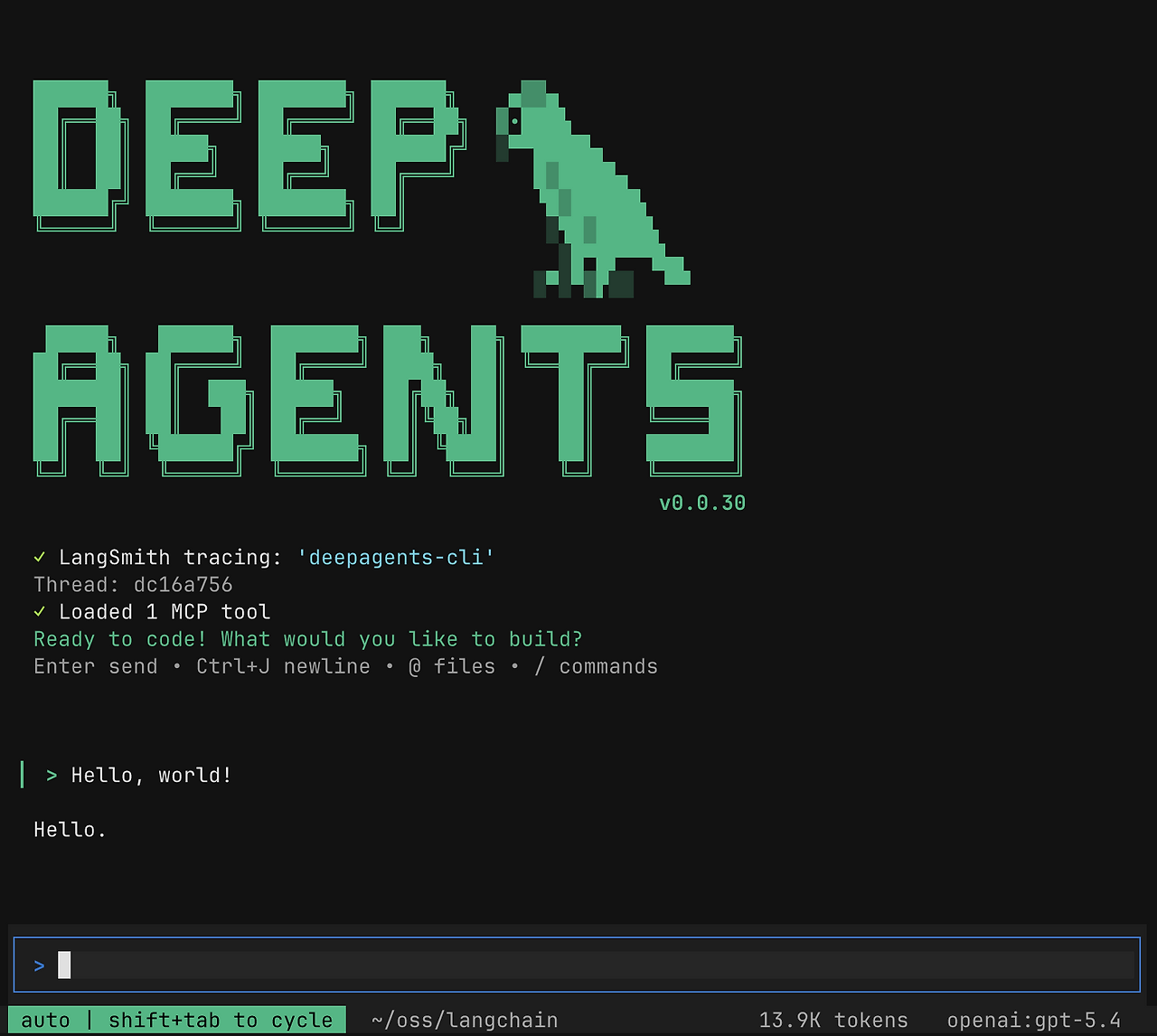
[Deep Agents] 1. Create Deep Agent
DeepAgents란?
DeepAgents는 LangChain 기반의 AI 에이전트 프레임워크입니다
쉽게 말하면 생각 + 행동 + 도구 사용이 가능한 AI를 만드는 것입니다.
핵심 개념 4가지
1. Planning (계획) : 문제를 단계별로 나눔
2. Tool 사용 : 검색, 파일 읽기, API 호출 등 가능
3. Memory : 중간 결과 저장 가능
4. 실행 (Execution) : 여러 단계를 반복하며 작업 수행
예제코드
이번 글에서는 웹 검색 + 분석 + 답변까지 하는 AI 에이전트 를 만들어 봅니다.
1. 패키지 설치
pip install deepagents tavily-python
pip install langchain-openai
pip install python-dotenv
2. 환경변수 설정
.env 파일
OPENAI_API_KEY=your_openai_key
TAVILY_API_KEY=your_tavily_key
3. 코드 작성
# 필요한 패키지 설치
# pip install deepagents tavily-python
# pip install langchain-openai
# pip install python-dotenv

import os
from typing import Literal
from tavily import TavilyClient
from deepagents import create_deep_agent
from dotenv import load_dotenv

# .env 파일에 저장된 환경변수를 현재 파이썬 실행 환경으로 불러옴
load_dotenv()

# Tavily 검색 API 클라이언트 생성
# TAVILY_API_KEY 값을 환경변수에서 읽어 사용
tavily_client = TavilyClient(api_key=os.environ["TAVILY_API_KEY"])


# 웹 검색용 함수 정의
# 이 함수는 나중에 에이전트가 "툴"처럼 사용할 수 있음
def internet_search(
    query: str,  # 검색어
    max_results: int = 5,  # 최대 결과 개수
    topic: Literal["general", "news", "finance"] = "general",  # 검색 분야
    include_raw_content: bool = False,  # 검색 결과의 원문까지 포함할지 여부
):
    """Run a web search"""

    # Tavily API를 호출해서 실제 웹 검색 수행
    return tavily_client.search(
        query,
        max_results=max_results,
        include_raw_content=include_raw_content,
        topic=topic,
    )


# 시스템 프롬프트 정의
# 에이전트에게 어떤 역할로 동작해야 하는지 알려주는 지침문
research_instructions = """You are an expert researcher. Your job is to conduct thorough research and then write a polished report.
You have access to an internet search tool as your primary means of gathering information.

## `internet_search`
Use this to run an internet search for a given query. You can specify the max number of results to return, the topic, and whether raw content should be included.
"""

# Deep Agent 생성
agent = create_deep_agent(
    model="openai:gpt-5.4",              # 사용할 LLM 모델
    tools=[internet_search],             # 에이전트가 필요할 때 사용할 검색 함수 등록
    system_prompt=research_instructions, # 에이전트 역할 및 검색 지침 전달
)

# 사용자 질문 전달
# 에이전트는 질문을 이해한 뒤 필요하면 internet_search를 호출하고 답변 생성
result = agent.invoke({
    "messages": [
        {"role": "user", "content": "Search the web and explain what DeepAgents is with recent references"}
    ]
})

# 최종 응답 출력
print(result["messages"][-1].content)
print(result)
위 코드를 보면 알수 있듯이 create_deep_agent 통해 사용할 모델과 agent 의 성격을 정의하고 tool 을 붙여 필요시 사용할 수 있게 구성이 가능합니다. 추가로 더 많은 인자들이 있는데 다음 포스팅에서 다뤄보겠습니다.
4. 결과
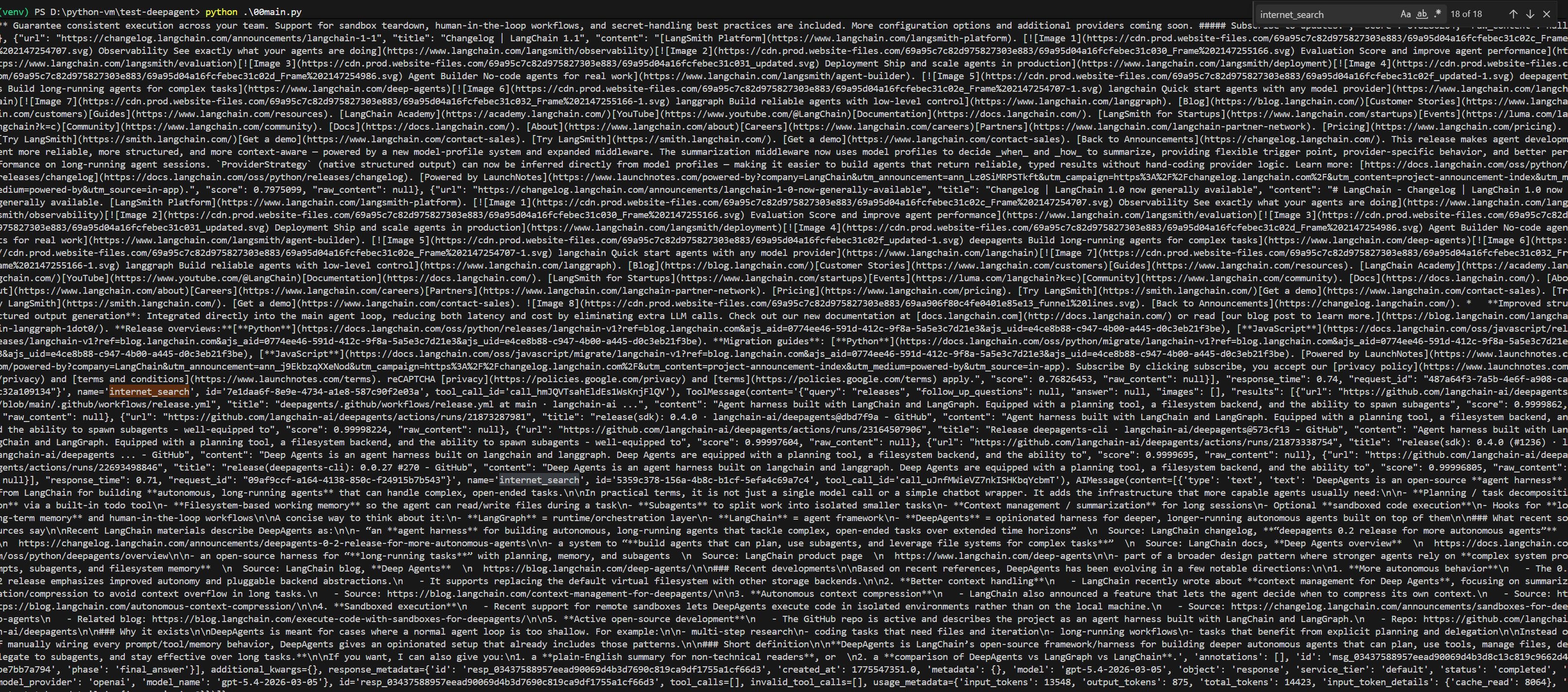

결과를 보면 tool 을 call 한 것을 알수 있습니다.
참고
https://docs.langchain.com/oss/python/deepagents/overview
Deep Agents overview - Docs by LangChain
Build agents that can plan, use subagents, and leverage file systems for complex tasks
docs.langchain.com
728x90
반응형
'코딩 > Python_AI' 카테고리의 다른 글
| [Deep Agents] 3. SubAgent (서브에이전트) (0) | 2026.04.11 |
|---|---|
| [Deep Agents] 2. Middleware (미들웨어) (0) | 2026.04.08 |
| Ubuntu에 OpenClaw 설치 및 간단 테스트 후기 (0) | 2026.02.04 |
| Qwen3-TTS 사용해 보기 (0) | 2026.01.29 |
| LangChain으로 도구 호출 승인 시스템 구현하기 (0) | 2026.01.25 |


