llama.cpp 에서 CUDA vs Vulkan 속도 비교
llama.cpp 에서 CUDA vs Vulkan 속도 비교
로컬 AI 모델을 돌릴 때 가장 많이 쓰는 추론 엔진인 llama.cpp는 GPU 가속 백엔드로 CUDA와 Vulkan을 둘 다 지원합니다 NVIDIA GPU를 쓰고 있으면 당연히 CUDA가 훨씬 빠를 거라 생각하기 쉬운데, 실제로 RTX 3090에서 직접 벤치마크를 돌려보니 예상과는 좀 다른 결과가 나왔습니다. 빌드 과정에서 겪은 삽질까지 포함해서 기록해둡니다.
테스트 환경
- CPU: 13th Gen Intel Core i9-13900K (24코어 32쓰레드)
- RAM: 128GB
- GPU: NVIDIA GeForce RTX 3090 24GB
- OS: Windows 11 Pro
- 모델: Qwen2.5 32B Instruct, Q4_K_M 양자화 (18.48GiB)
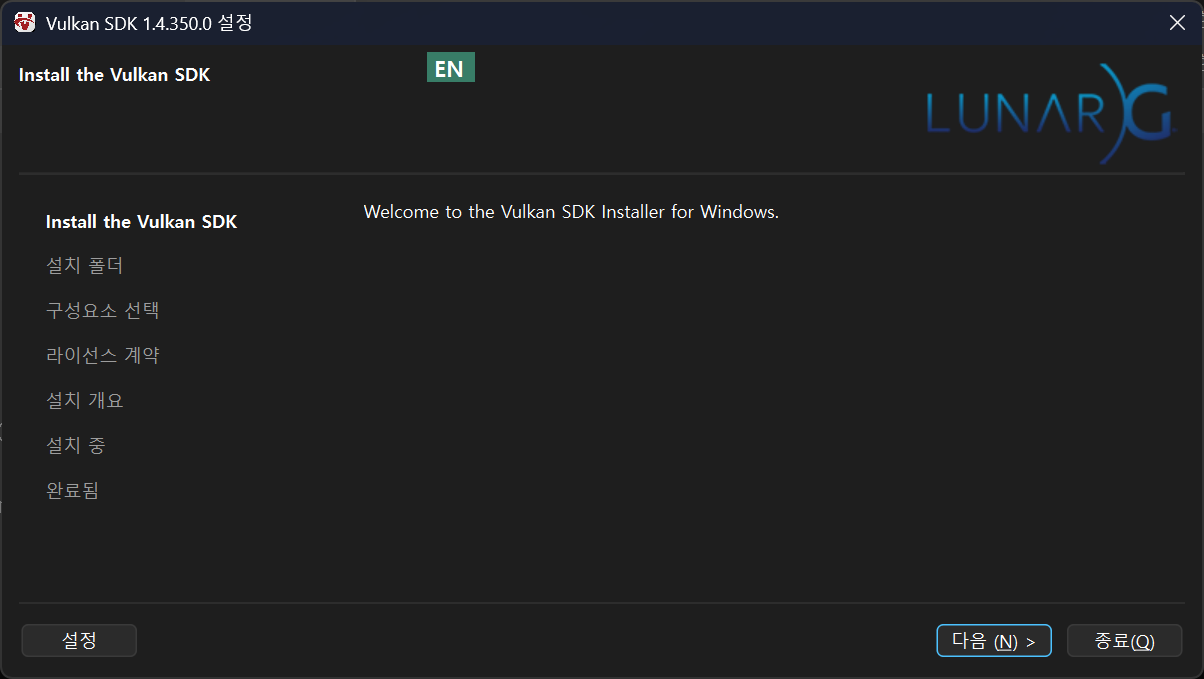
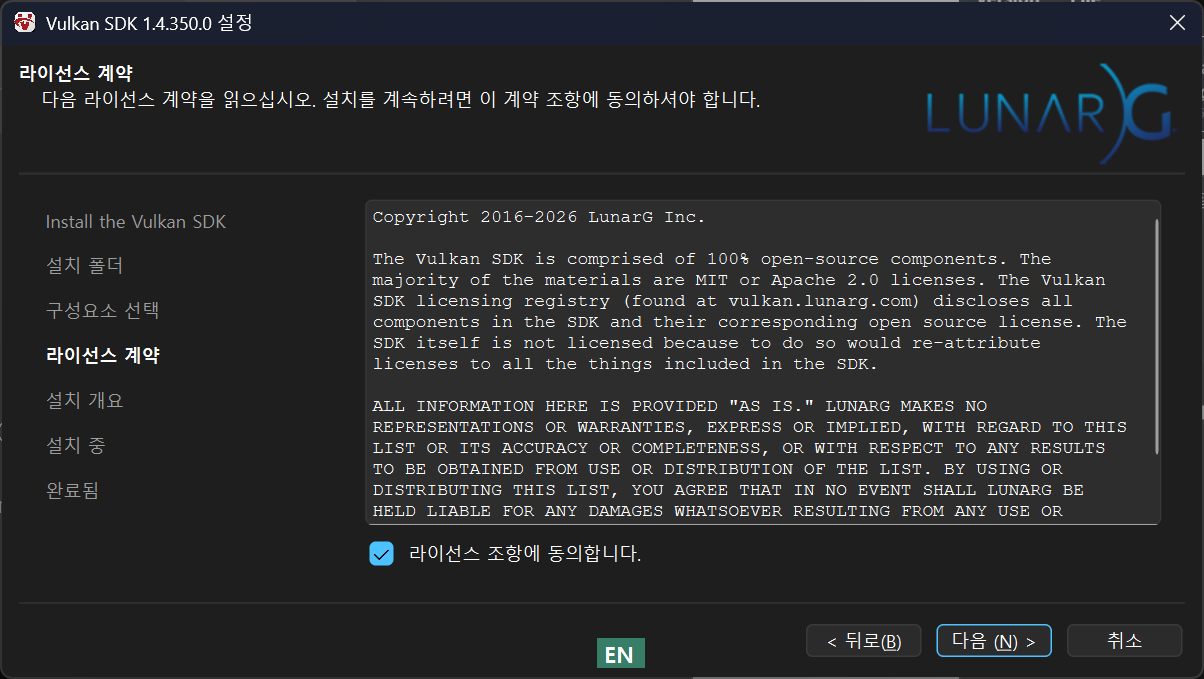
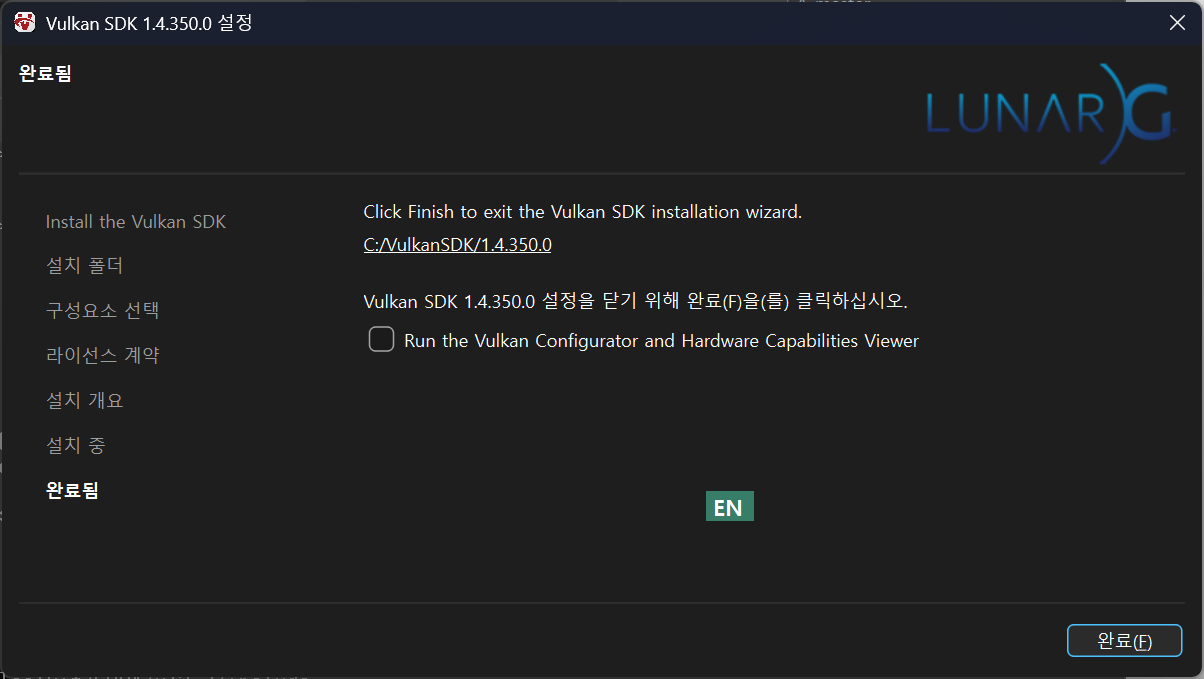
Vulkan 설치
LunarXchange
LunarG uses cookies on our site to help us deliver the best user experience. Review our Privacy Policy for more information. Do you accept cookies? Accept All Accept Necessary Manage Cookies
vulkan.lunarg.com
아래 파일로 다운 받아서 설치를 진행했으면 따로 선택한 건 없습니다.



CUDA 설치
이전 버전이 있다면 제거 후 최신버전으로 설치합니다.
( C:\Program Files\NVIDIA GPU Computing Toolkit\CUDA 이전 버전 폴더 제거)
CUDA Toolkit 13.3 Update 1 Downloads
Get the latest feature updates to NVIDIA's proprietary compute stack.
developer.nvidia.com

설치 진행시 멈춰 있다면 컴퓨터 재부팅을 하고 설치를 진행합니다.
llama.cpp 설치
x64 Mative Tools Command Prompt for VS 커맨트 창을 관리자 권한으로 엽니다. (Visual Studio 에서 C++ 체크 후 설치 필요)

아래 명령을 실행합니다.
git clone https://github.com/ggml-org/llama.cpp
아래 명령을 순차적으로 실행합니다.
cd llama.cpp
cmake -B build -DGGML_CUDA=ON -DGGML_VULKAN=ON -DCMAKE_CUDA_ARCHITECTURES=86
위 명령실행 시 CUDA 버전이 낮으면 아래와 같은 에러가 발생됩니다.
error STL1002: Unexpected compiler version, expected CUDA 12.4 or newer.
아래는 빌드하는 명령인데 아래 명령이 에러가 발생되면
cmake --build build --config Release -j아래 명령으로 시도합니다.
cmake --build build --config Release -j 4
문제가 생겨 재 빌드시 build 폴더에 남아있는 찌꺼기나 빌드 오류로 인한 obj 파일들은 아래 명령을 통해 처리합니다.
rmdir /s /q build

del build\ggml\src\ggml-cuda\ggml-cuda.dir\Release\mmf-instance-ncols_2.obj
아래 명령을 실행했을 때 아래처럼 파일들이 있어야합니다. 몇 개 없다면 재빌드가 필요합니다.
dir build\bin\Release
디바이스 목록 확인
build\bin\Release\llama-cli.exe --list-devices
모델 다운로드
pip install huggingface-hub

huggingface-cli download bartowski/Qwen2.5-32B-Instruct-GGUF Qwen2.5-32B-Instruct-Q4_K_M.gguf --local-dir models
벤치마크 결과
CUDA로 벤치마크
build\bin\Release\llama-bench.exe -m models\Qwen2.5-32B-Instruct-Q4_K_M.gguf -ngl 99 --device CUDA0
Vulkan으로 벤치마크
build\bin\Release\llama-bench.exe -m models\Qwen2.5-32B-Instruct-Q4_K_M.gguf -ngl 99 --device Vulkan0
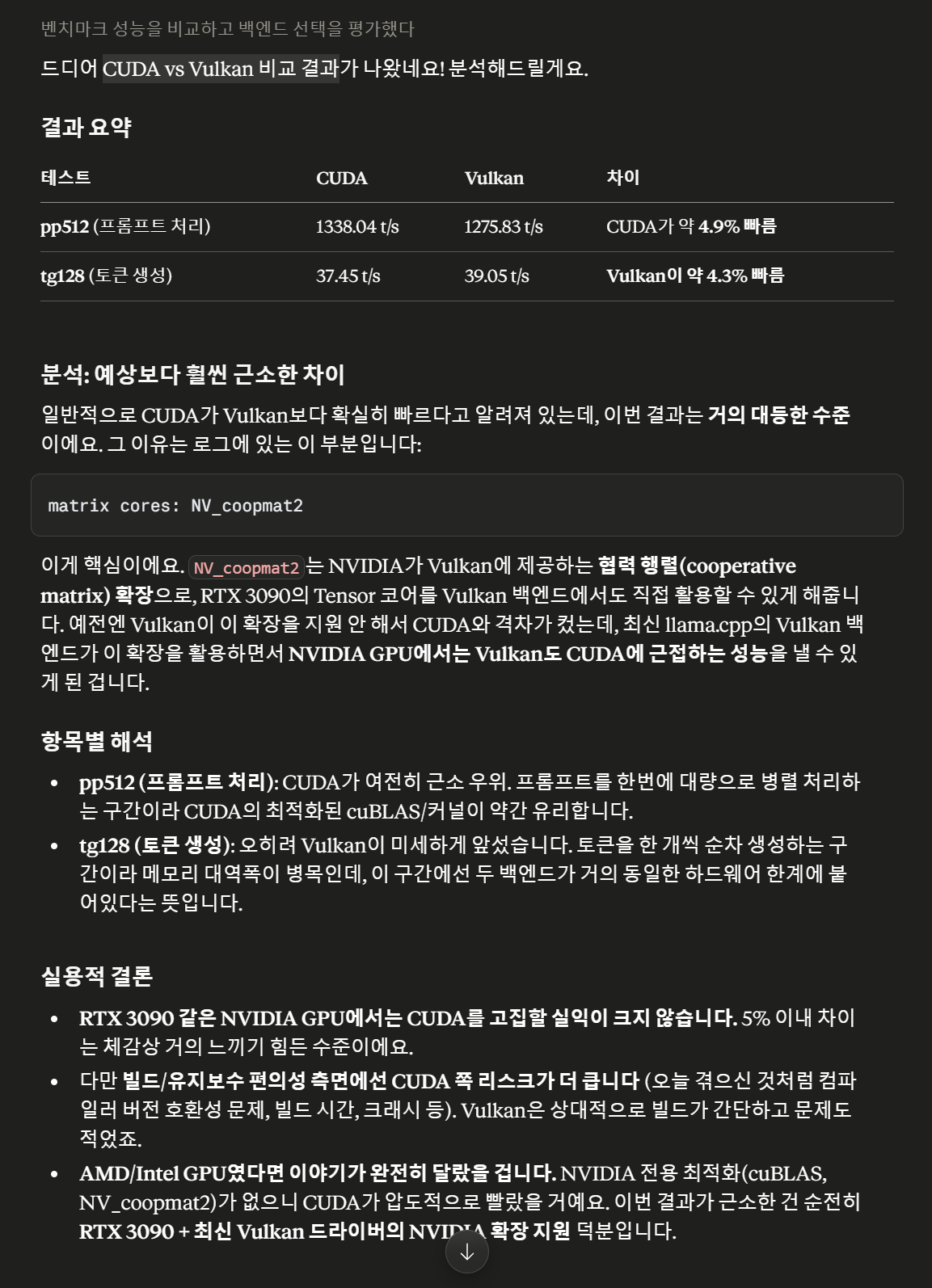
결과

CUDA가 압도적으로 빠를 거라 예상했는데 실제로는 5% 이내의 근소한 차이였고, 토큰 생성 구간에서는 오히려 Vulkan이 살짝 더 빨랐다.
'IT > AI' 카테고리의 다른 글
| LLMFIT 으로 내 컴퓨터에 적합한 로컬 모델 찾기 (0) | 2026.07.12 |
|---|---|
| 프롬프트는 끝났다? 이제는 '루프 엔지니어링(Loop Engineering)'의 시대! (0) | 2026.07.08 |
| 블랙홀 시뮬레이션 (0) | 2026.05.31 |
| 태양의 은하 공전 시뮬레이션 (0) | 2026.05.31 |
| DocsGPT 설치하기 (0) | 2026.05.30 |


